Jitsumi

Windows tools for your gaming setup.

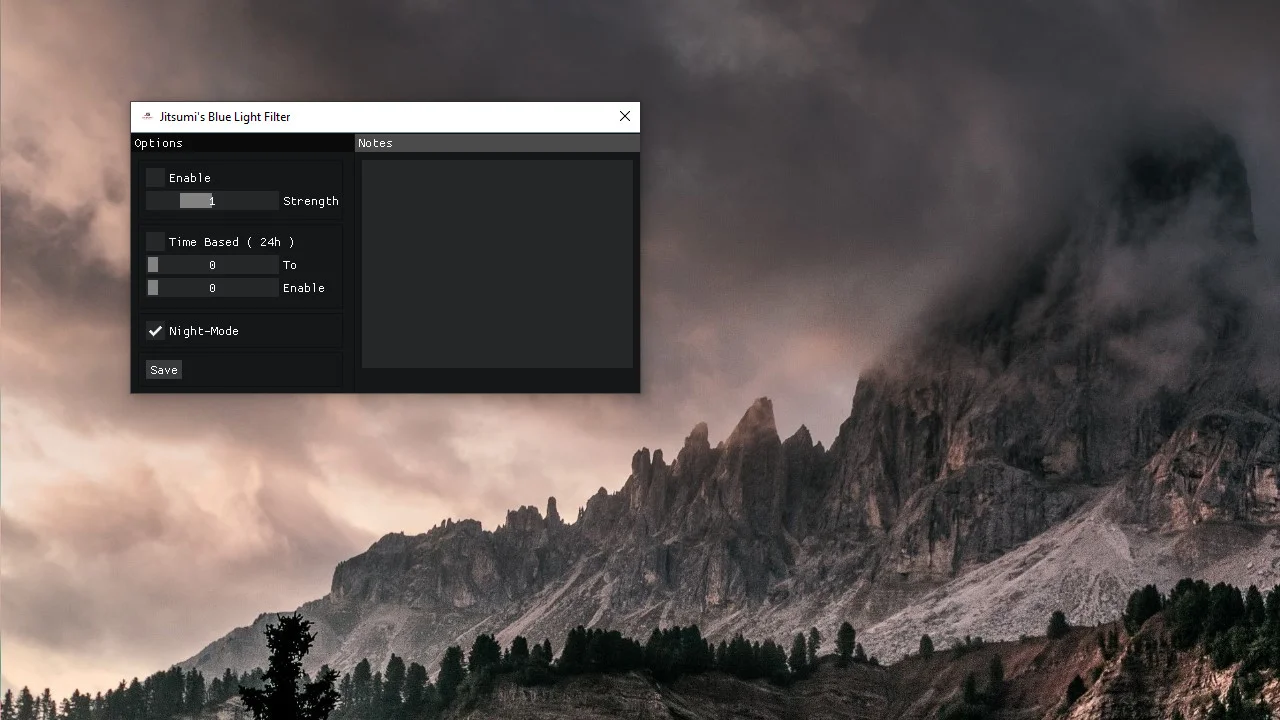
Check PC activity with Game Booster, keep shortcuts nearby with Gaming Overlay, or choose a screen tint with Blue-Light Filter.

Jitsumi Game Booster · Windows

Inside Game Booster

See the controls before you use them.

Two short recordings from the Windows app show the memory view and cleanup controls. Playback is optional; the captions explain each clip.

  1. Game Booster

    Check memory use before and after cleanup

    See the memory readings and cleanup controls in the app. Memory use can rise again as background apps continue working; a lower reading does not guarantee higher FPS.
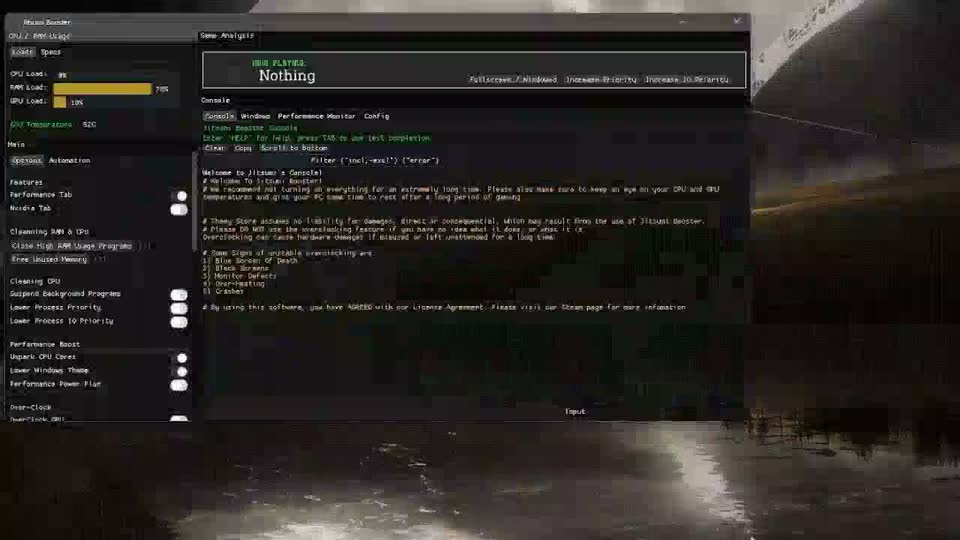
    Memory cleanup

    The interface compares memory use around a cleanup action.
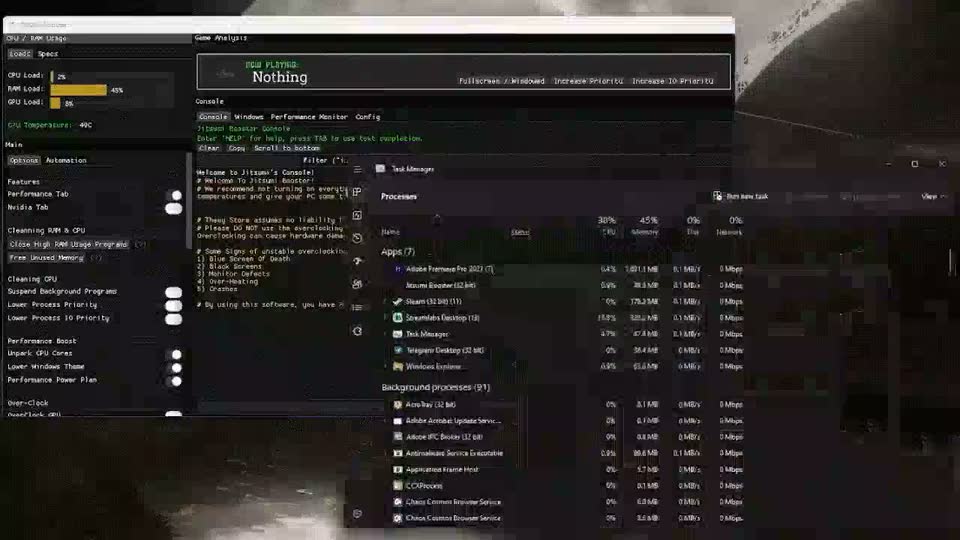
    Game Booster beside Windows tools

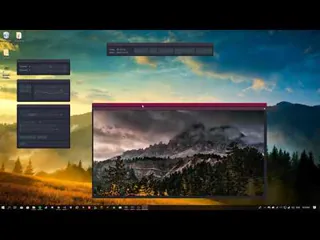
    The app sits beside Windows tools so activity is easy to inspect.
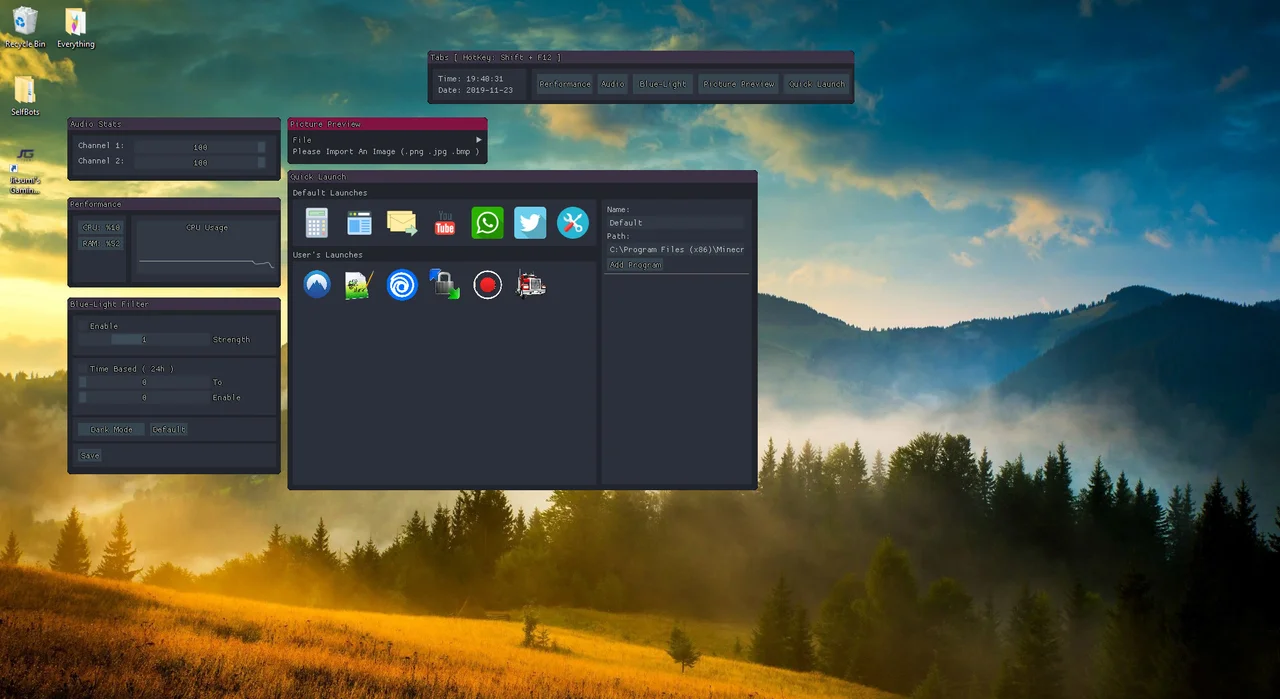
Two more tools

App shortcuts and screen tint.

Gaming Overlay opens app shortcuts where your game and display mode allow it. Blue-Light Filter gives you a tint and same-day schedule you can adjust.

Software for the computer you already have.

Meet Jitsumi

Jitsumi makes three Windows utilities: Game Booster for system readings and game-session controls, Gaming Overlay for shortcuts and picture references, and Blue-Light Filter for screen tint.

See the controls in the screenshots and demos, then check the requirements before choosing a tool.

The Jitsumi journal

Stories about games, technology, and everyday PC life.

Independent writing on gaming, hardware, accessibility, and digital culture, alongside practical guides to Jitsumi software.

Articles

All Articles

Software

All guides

Get help with a Jitsumi product.

Start with a product guide or tell the team what you need.